Try editing the brief. Preview artwork stays prepared.
THE CONNECTED AI CREATIVE STUDIOMiniMax H3 Max is here
A place for your
wildest ideas.
Go from what if to there it is.
Connect the best AI models on one canvas.
Make images, films, sound, and something entirely new.
Play with the possibilities No sign-up. Just a little imagination.

THE IMPOSSIBLE, ON YOUR CANVAS.01 — CHROME BOTANICA
Creative study · AI artwork
Creative study · AI artwork
THE IDEA
What if nature
grew in chrome?
A new creative direction
IMAGE OUTPUT
Imagination,
made tangible.
Connected to your next idea
THE MODELS YOU LOVE.
BETTER, TOGETHER.
FLOWCHAT / 01 — BRANDS & COMMERCE
Start with a sentence.
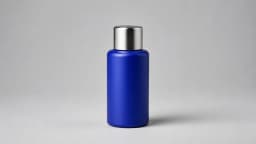
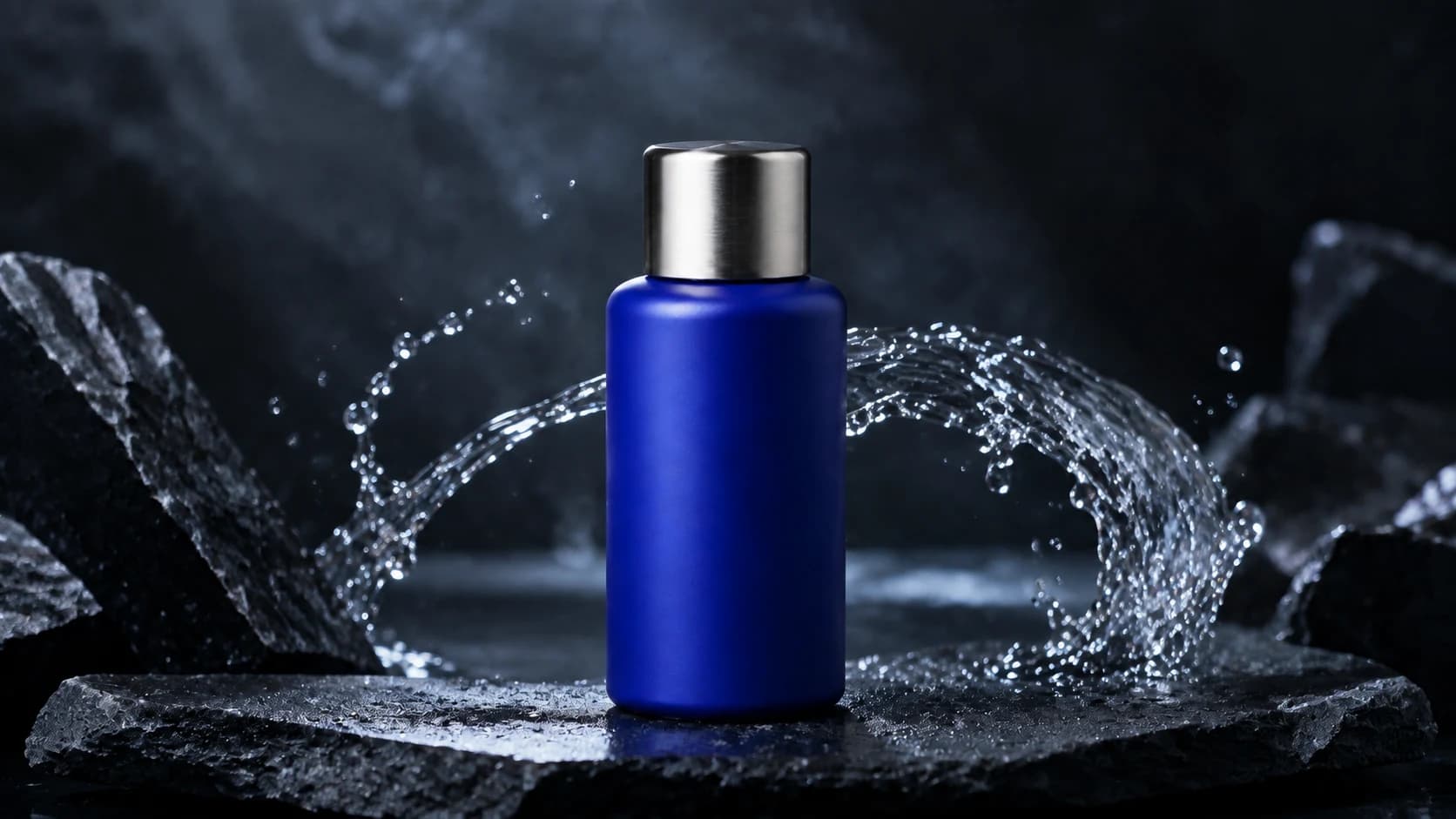
Give Flowchat the product reference and the world you want to build around it.
Flowchat
YOUR CONNECTED CANVASDIRECTION
Source PRODUCT REFERENCE
PRODUCT REFERENCECampaign direction
Your next idea
starts right here.
starts right here.
A condensed demonstration using prepared images and a real generated film. Flowchat stages the work for your direction; live generation takes time.
Cobalt / campaign film
FLOWCHAT / 02 — ARCHITECTURE & INTERIORS
Every space starts somewhere.
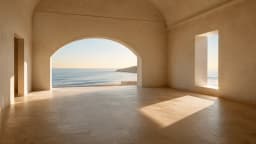
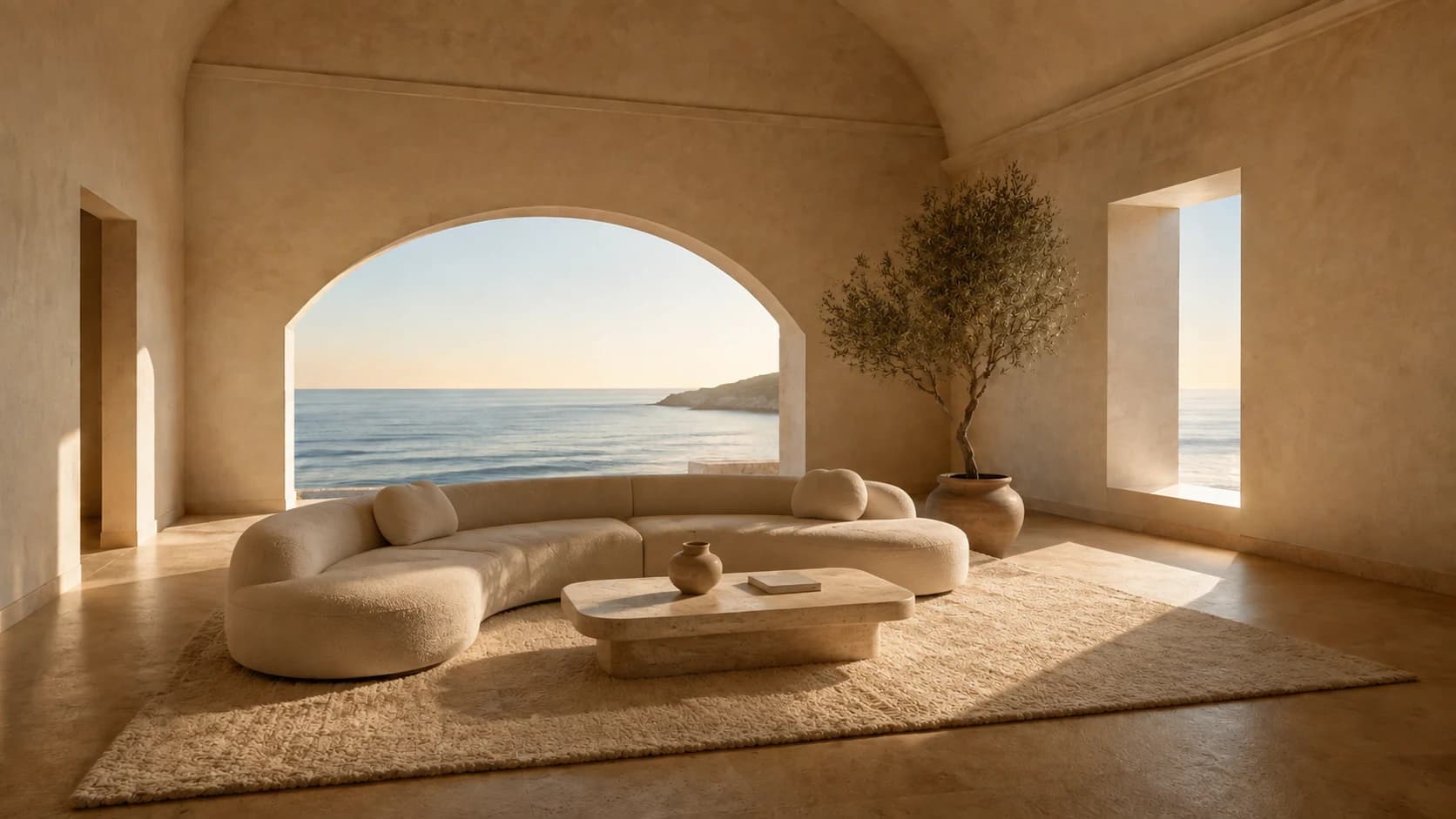
Bring the room, the material palette, and a feeling. Give the spatial idea a clear starting point.
Flowchat
YOUR CONNECTED CANVASDIRECTION
Source SPACE REFERENCE
SPACE REFERENCEInterior direction
Your next idea
starts right here.
starts right here.
A condensed demonstration using prepared images and a real generated film. Flowchat stages the work for your direction; live generation takes time.
Coastal living / architectural film
FLOWCHAT / 03 — FASHION & EDITORIAL
The location is a character.
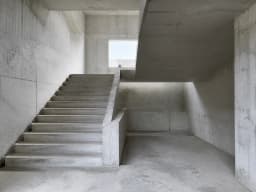
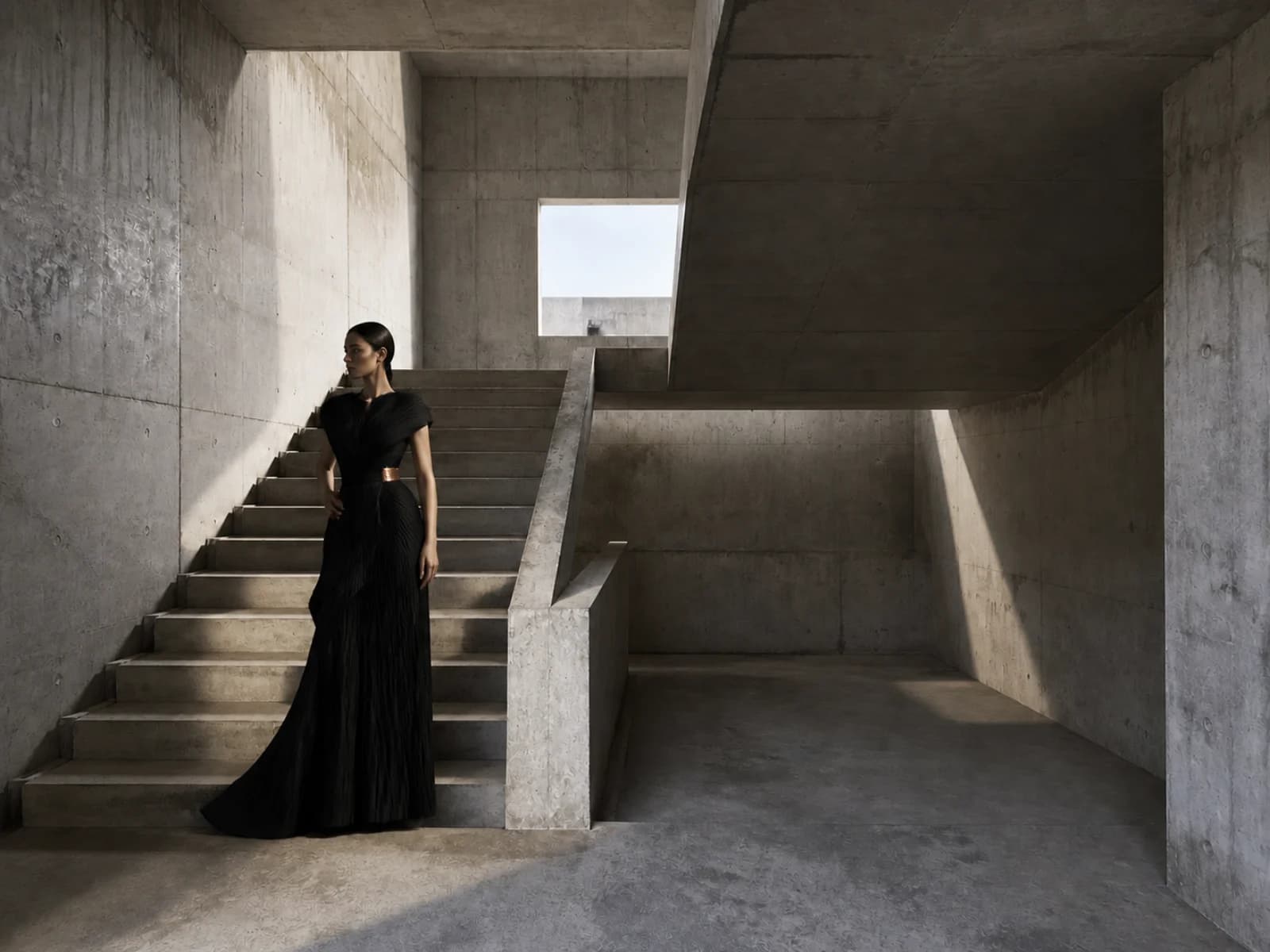
Start with the space and the collection’s visual language. Shape the editorial brief in Flowchat.
Flowchat
YOUR CONNECTED CANVASDIRECTION
Source LOCATION REFERENCE
LOCATION REFERENCEEditorial direction
Your next idea
starts right here.
starts right here.
A condensed demonstration using prepared images and a real generated film. Flowchat stages the work for your direction; live generation takes time.
Aera / editorial film
FLOWCHAT / 04 — FILM & PRODUCTION
Start with the first frame.
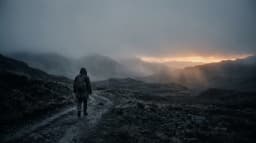
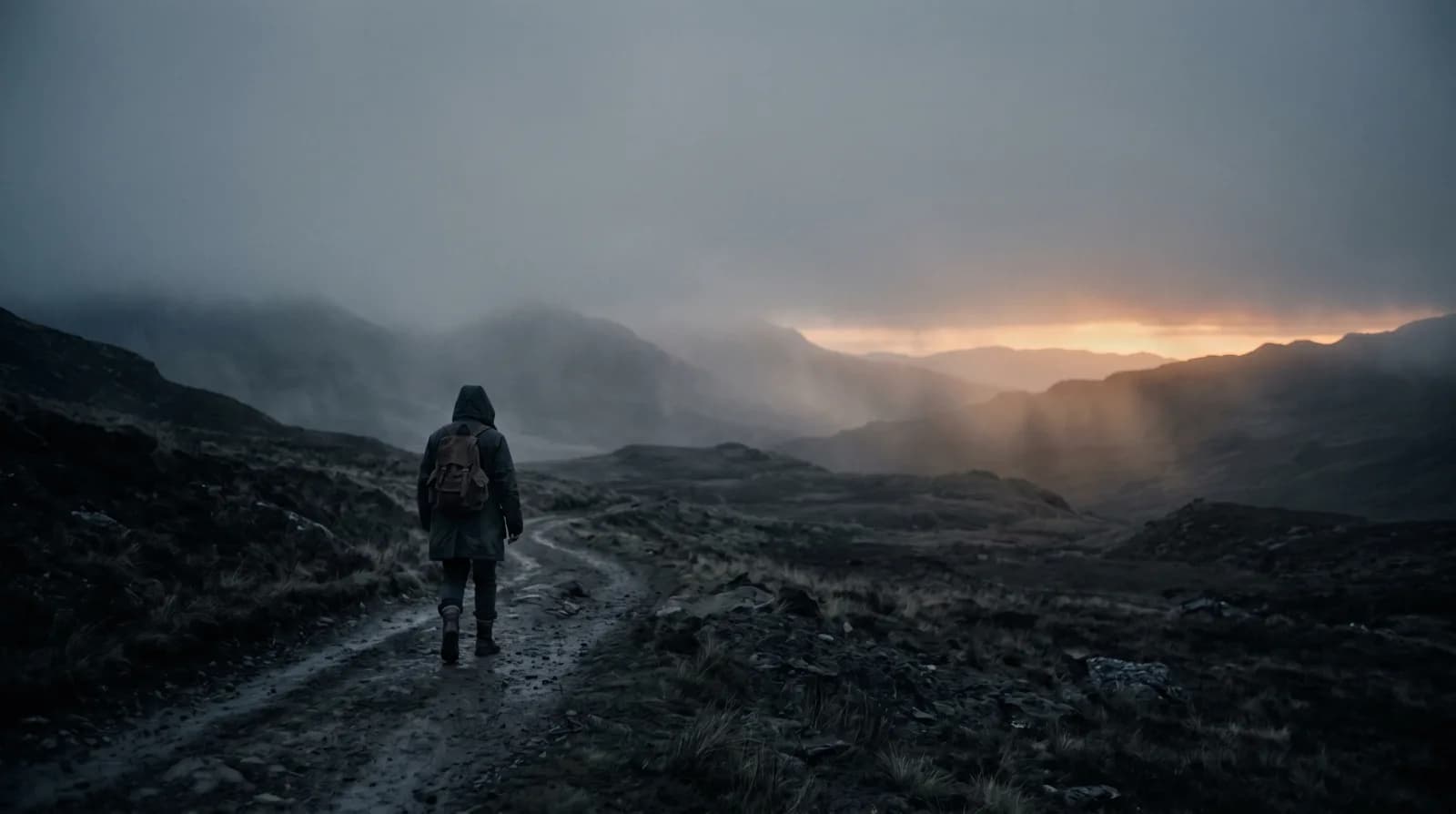
Bring a selected keyframe and describe what happens next. Set the scene before choosing the move.
Flowchat
YOUR CONNECTED CANVASDIRECTION
Source KEYFRAME REFERENCE
KEYFRAME REFERENCESelected keyframe
Your next idea
starts right here.
starts right here.
A condensed demonstration using prepared images and a real generated film. Flowchat stages the work for your direction; live generation takes time.
The crossing / opening shot
01 / THINK OUTSIDE THE TEXT BOX INTERACTIVE PLAYGROUND
Don’t just imagine it.
Connect the dots.
An idea becomes an image. An image becomes a film. Move the nodes, connect a new step, and see how a workflow comes to life.
PREPARED ARTWORKDirectionChrome Botanica
Give your idea a next step.Connect the image to this video node.
Try a model
DON’T JUST TAKE OUR WORD FOR ITThe difference.
The difference.
Right in front of you.
Better detail. A new scene. A different world around the same product. Move the divider and see what changed.
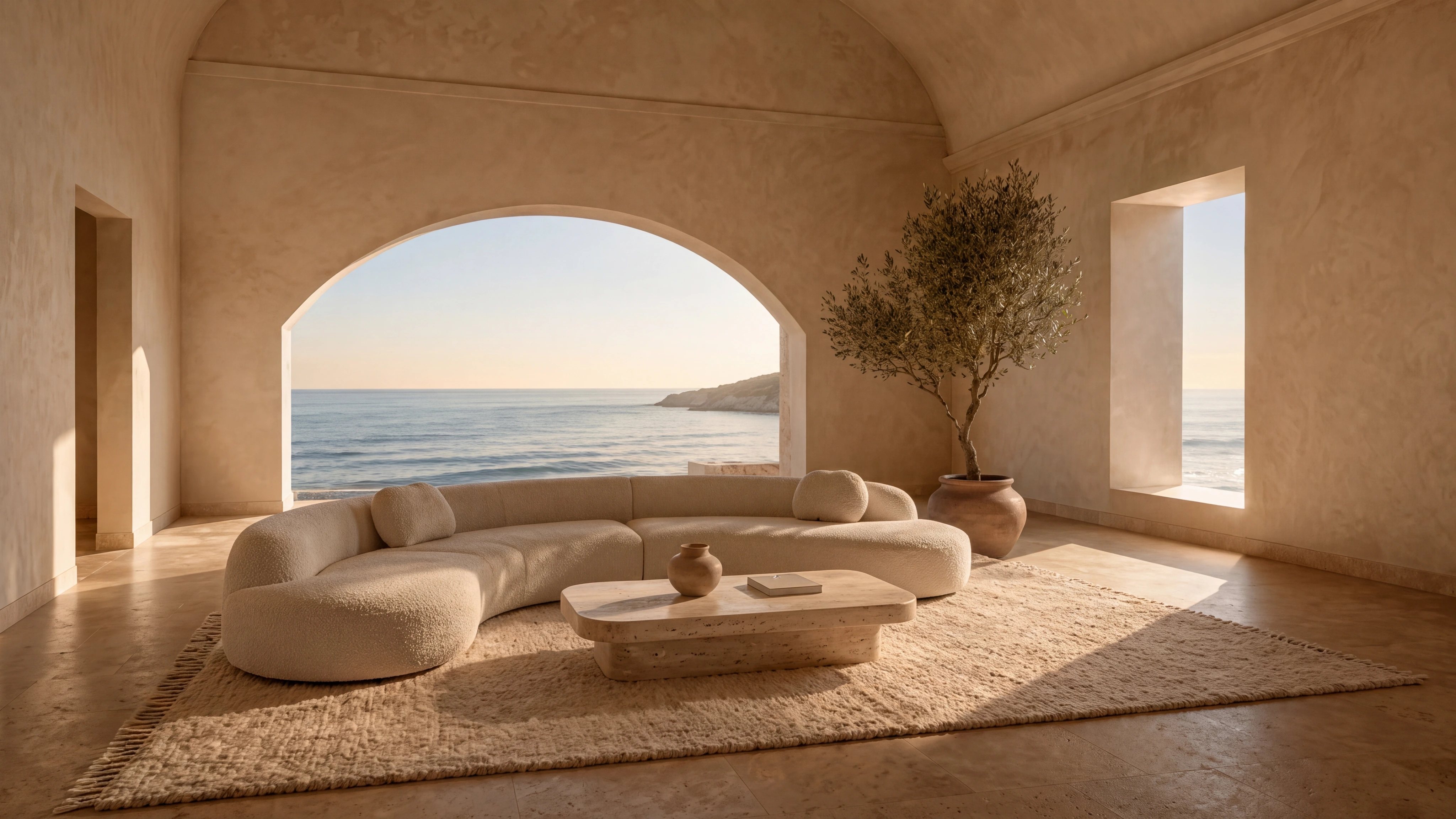
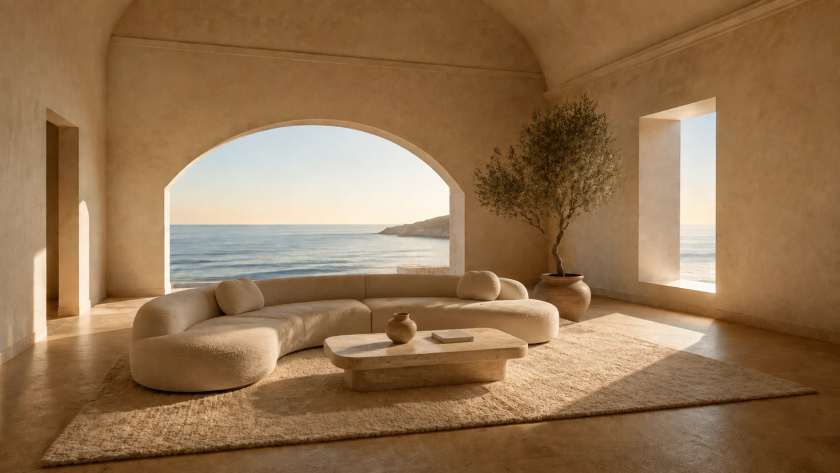
840 PX SOURCE4K RESTORATION
Drag horizontally, use the arrow keys, or press Home and End to compare 840 px source with 4k restoration.840 PX SOURCE
The actual low-resolution input used for this restoration.
4K RESTORATION
Generative restoration can change details. Review against the source.
Small source. Finer detail.
An 840-pixel image, restored at 4K with Nano Banana 2 Ultra through FlowNode. Look closer at the woven fabric, stone, and plaster.
01Source image024K restoration03Compare & select
Explore the workflow WHO IS FLOWNODE FOR?Your field.
Your field.
More possibilities.
Different disciplines. The same need to turn a strong idea into considered work. Find a starting point in your world.
Architecture & interiors
A space worth imagining.
Architects, interior designers, hospitality teams, and property storytellers.
- Collect the site & material references
- Explore spaces, finishes & atmosphere
- Build presentation images & motion
02 / THE MODEL LIBRARYYOUR TASTE. YOUR CHOICE.
All that intelligence.
One creative space.
Bring your favorite models to the same canvas. Mix image, video, sound, 3D, and language. Choose what serves the idea.
MiniMax H3 Max T2V
MiniMax · VideoGrok Video 1.5
xAI · VideoNano Banana 2.1 Ultra
Google · ImageGemini 3.8 Flash
Google · TextGPT-6 Astra
OpenAI · TextKling O3 Standard T2V
Kuaishou · VideoSeedance 2.5 I2V
ByteDance · VideoSeedream 5.0
ByteDance · ImageFLUX 3 T2V
Black Forest Labs · VideoIdeogram 4.5
Ideogram · ImageElevenLabs Multilingual v2
ElevenLabs · AudioRecraft 4.1
Recraft · ImageClaude Fable 5.1
Anthropic · TextBernini R Edit
ByteDance · ImageQwen Image
Alibaba · ImageLTX-2.3 Fast
LTX Studio · VideoGemini Omni 1.2 Flash
Google · VideoMeshy 7
Meshy · 3D18 of 126 models · Availability can vary by workspace.
03 / FROM THE CANVAS, INTO THE WORLDA FEW POSSIBLE DIRECTIONS
Small beginnings.
Extraordinary outcomes.
One brief can become a whole world. Explore creative studies and product films, then try the workflow behind the idea.
ART DIRECTION / MATERIAL EXPLORATION
Chrome Botanica
An impossible material. An unmistakable creative direction.
Creative briefImage explorationMotion direction
WORLD BUILDING / SPATIAL DESIGN
Somewhere Else
Build a place that only existed in the back of your mind.
World conceptArchitecture studyEstablishing shot
PRODUCT CAMPAIGNS / VISUAL EXPLORATION
Objects in Motion
Find the unexpected angle on your next product story.
Product directionHero imageCampaign motion
AND THEN, MAKE IT MOVE.From a still.
From a still.
To a feeling.
Explore existing films from the model showcase. In your workspace, connect your image to a video node to direct what happens next.
Try a motion workflow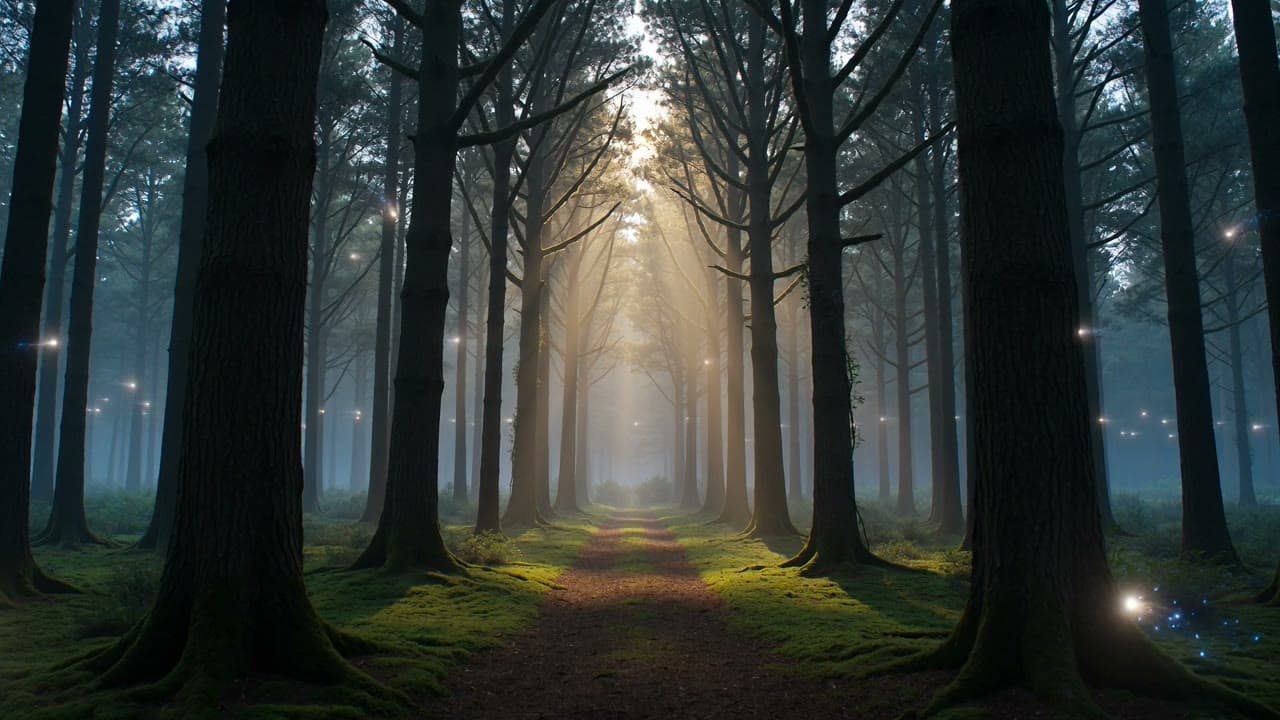
MOTION SHOWCASE
04 / YOUR PROCESS, CONNECTED
More than a generation.
A way of creating.
Keep the thinking, the making, and the decisions together. Your next project starts with everything you learned from the last.
FlowDirector BRIEF → PLAN
“A campaign for a world
that doesn’t exist. Yet.”
Your brief has a plan.
FlowDirector turns the outcome you want into an editable production plan. Review it, shape it, then run it.
The decision stays with the work.
Compare directions, leave feedback, and carry the selected result forward without losing the context.
Campaign system···
BriefImageFilm
A great process is worth keeping.
Save your workflow as a template. Bring the same creative system to a fresh brief, a new format, or the next campaign.
Can I explore Flowchat for my industry?
Yes. Scroll through four dedicated stories for brands and commerce, architecture and interiors, fashion and editorial, and film production. Each follows its own brief, plan, visual direction, and generated film. These prepared demonstrations condense the process; live work happens in your FlowNode workspace.
What do the before-and-after studies show?
Prepared creative examples: a reference-guided interior edit, a product campaign edit, and a generative 4K restoration made through FlowNode. The campaign and architectural films bring the selected images into motion. These are concept studies, not client campaigns; generative edits and restoration can change details.
What is FlowNode?
FlowNode is an AI creative studio built around a visual, node-based canvas. Connect image, video, audio, 3D, and language models into workflows, with your brief, references, outputs, and review decisions in one place.
Do I need to know how to code?
No. Add nodes, choose models, and connect the steps visually. You can also start from a template or use FlowDirector to turn your brief into an editable production plan.
Is the playground generating in real time?
The homepage playground is a free interactive preview with prepared artwork and existing model showcase films. You can move nodes, edit a brief, connect steps, and simulate a run. It does not call AI models or use credits. Real generation happens inside your FlowNode workspace.
Which AI models can I use?
Explore the model library above for the available catalog, including models from Google, OpenAI, Black Forest Labs, MiniMax, xAI, ByteDance, and more. Model availability and limits can vary by workspace and change as the catalog evolves.
Can my team work together?
Yes. Shared canvases, workspace roles, connected review, and reusable templates help invited collaborators create together. Your team’s workspace configuration is scoped during onboarding.
How do I get access, and how is usage priced?
FlowNode is in private beta for creative teams. Request access to discuss a production pilot. In your workspace, the estimate on each node reflects your selected model and settings before generation. Visit the pricing page for the current access options.